Most Common Mistakes In Cross Platform App Development For Startups

I’ve worked with a lot of small startup teams where the plan sounded simple:
“Let’s build once and ship to Android + iOS. Saves time, right?”
Three months later the team is fighting random UI bugs, slow builds, native crashes nobody understands, and deadlines slipping.
The issue usually isn’t the framework.
It’s how startups approach cross-platform from day one.
Why this problem actually happens

In early-stage teams, decisions are rarely technical first.
They’re driven by:
limited budget
You don’t have room for big rewrites or experimental tech choices. Every mistake costs real money, so teams often choose “faster now” over “better later,” which creates hidden technical debt.
2–4 developers max
With such a small team, everyone is multitasking — features, bugs, builds, and support. There’s rarely time for clean architecture, so shortcuts slowly pile up and slow everything down.
pressure to launch fast
Deadlines push teams to ship whatever works instead of what’s stable. Quick fixes replace proper solutions, and those rushed decisions come back as bugs right after launch.
investors asking for both platforms immediately
Stakeholders want Android and iOS on day one to show market reach. This forces teams to stretch thin, increasing complexity before the product is even validated.
So someone says, “Let’s just use one codebase and move faster.”
On paper, that’s logical.
In reality, cross-platform adds another abstraction layer. And abstraction only helps when you have discipline around architecture.
Most startups don’t.
What actually happens:
One codebase becomes messy quickly
Web-style hacks get mixed with native workarounds
Nobody owns platform-specific behavior
The team treats it like “write once, forget everything else”
I’ve seen this repeatedly. The tool isn’t the problem. The shortcuts are.
Where most developers or teams get this wrong
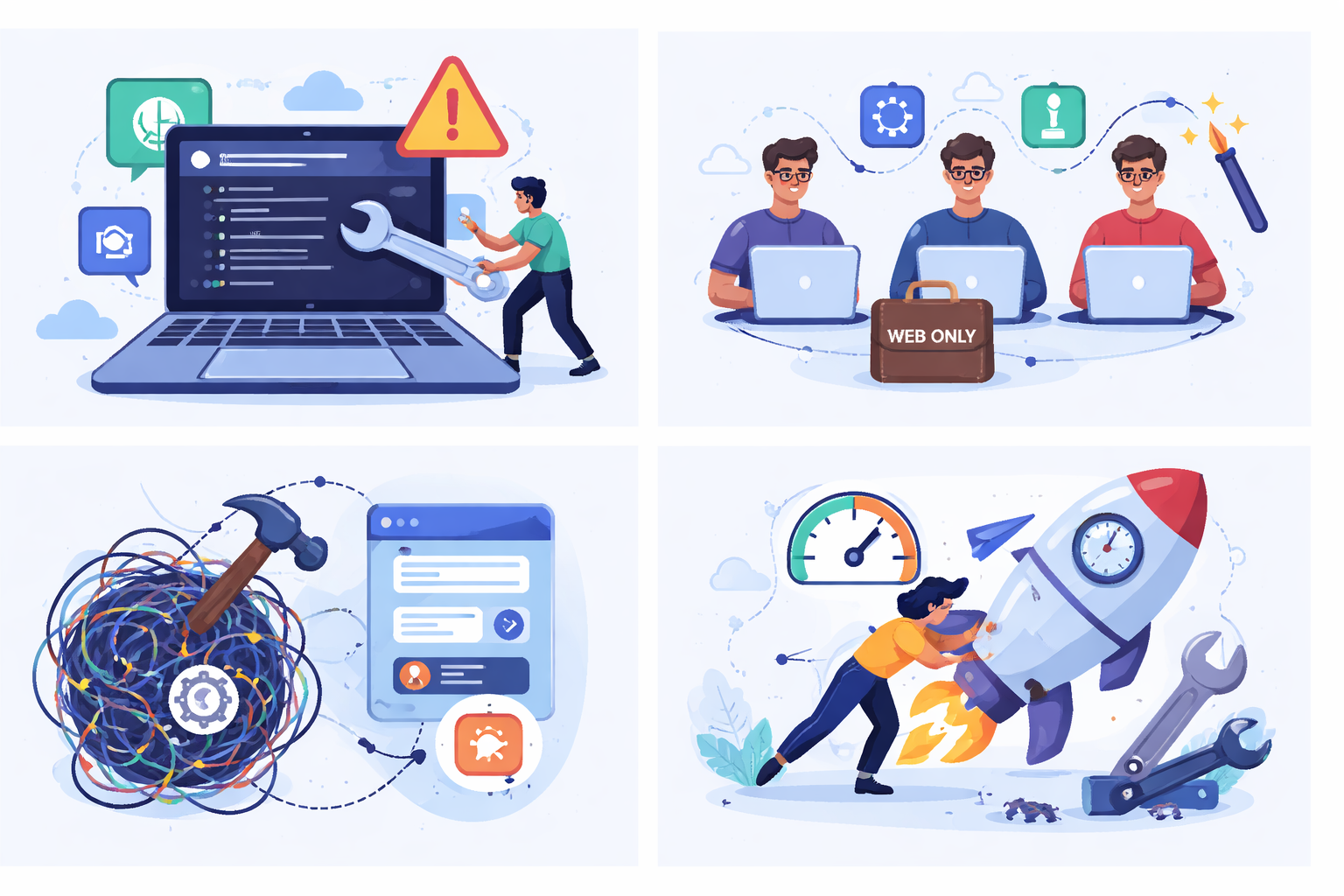
1. Treating it like “build once, works everywhere”
This mindset sounds efficient, but it ignores how different Android and iOS actually behave in real-world use. UI patterns, permissions, and performance quirks vary more than most teams expect.
When you force everything into one shared path, you end up with hacks and conditionals everywhere, which makes the code harder to debug and maintain.
This is the biggest myth.
Android and iOS behave differently. Period.
Different:
- navigation patterns
- permissions
- lifecycle
- performance quirks
- UI expectations
Yet teams try to force 100% shared logic.
I’ve seen people write crazy conditionals like:
if (ios) doThis()
else doSomethingWeird()
Scattered everywhere.
Now debugging becomes a nightmare.
2. Hiring only web developers and expecting native results
Cross-platform tools look familiar to web teams, so startups assume the same skills will translate directly. But once you hit things like push notifications, background services, or build issues, web knowledge alone isn’t enough.
Without basic native understanding, small bugs turn into long blockers and the team ends up stuck debugging things they don’t fully understand.
This happens a lot.
“We know React, so React Native will be easy.”
It’s not the same.
Soon you hit:
- push notifications
- background tasks
- camera
- Bluetooth
- app store build issues
And suddenly nobody understands what’s happening under the hood.
Then progress stops for days.
3. No separation between core logic and UI
When business logic, API calls, and UI code all live inside the same screens, even small changes become risky. Fixing one bug often breaks something unrelated.
Over time the codebase feels fragile, harder to test, and slower to extend because nothing is clearly isolated or reusable.
Most teams dump everything together:
- API calls
- business logic
- UI
- platform hacks
All inside screens.
So when something breaks, the whole thing breaks.
Refactoring becomes risky. Technical debt explodes fast.
4. Chasing speed over maintainability
To hit deadlines, teams often ship quick fixes instead of proper solutions. Code gets copied, hacks pile up, and “temporary” workarounds quietly become permanent.
It feels fast in the short term, but after a few months every new feature takes longer because the foundation is messy and harder to trust.
In most startups, this happens because:
“Just make it work for demo day.”
So:
- quick patches
- copied code
- temporary fixes that stay forever
Three months later the app feels fragile and slow.
Not because the framework is bad — because the structure is.
Practical solutions that work in real projects

These are things we started doing after getting burned a few times.
They’re boring, but they work.
Step 1 — Split shared vs platform code early
Decide from the beginning what truly belongs in shared logic and what should stay platform-specific. Things like business rules can be shared, but permissions, hardware access, and OS behavior should stay separate.
This prevents messy conditionals later and makes debugging much easier when something breaks only on one platform.
From day one:
- Shared → business logic, API, state management
- Native → permissions, hardware, notifications, OS behaviors
Don’t try to be “100% shared”.
Aim for 70–80% shared max.
It keeps things sane.
Trade-off:
Slightly more files, but much easier debugging.
Step 2 — Keep platform wrappers, not hacks
Instead of scattering platform checks throughout the code, isolate them behind small wrapper modules or services. The rest of the app talks to a clean interface, not OS-specific logic.
This keeps your codebase predictable and prevents those random “if Android / if iOS” hacks that make debugging painful later.
Instead of sprinkling platform checks everywhere:
Bad:
if (ios) ...
if (android) ...
Better:
Create:
- NotificationServiceIOS
- NotificationServiceAndroid
Same interface, different implementation.
Now the rest of the app doesn’t care.
This saved us a lot of headaches.
Step 3 — Have at least one person who understands native basics
Even with a shared codebase, you’ll eventually hit issues that only make sense at the native layer — build failures, crashes, or device-specific bugs. Without someone who can read native logs or tweak configs, progress stalls fast.
Having one developer comfortable with Xcode and Gradle saves hours of guesswork and keeps small problems from becoming blockers.
Not an expert. Just someone comfortable with:
- Xcode
- Gradle
- native logs
Without this, every small native bug becomes a blocker.
I’ve seen teams lose a week on something that took 20 minutes once we checked native logs.
Step 4 — Don’t over-abstract early
In small teams, trying to design a “perfect” architecture from day one usually backfires. Too many layers, patterns, and abstractions slow development and make simple changes harder than they should be.
Start simple and add structure only when real problems show up — early complexity rarely pays off in startup projects.
Start simple.
Many teams try fancy architecture from day one.
For small teams:
- simple state management
- clear folder structure
- fewer dependencies
Complex patterns slow you down more than they help.
Add complexity only when pain appears.
Step 5 — Test on real devices daily
Emulators are fine for quick checks, but they hide real-world issues like performance drops, memory problems, and device-specific glitches. Things that look smooth on a simulator often break on actual phones.
Testing daily on physical devices helps you catch these problems early, before they pile up and become harder to fix.
Emulators lie.
Performance, memory, animations — everything feels different.
We made it a rule:
“Test on physical devices before merging.”
It catches 50% of issues early.
When this approach does NOT work

Cross-platform isn’t always the right choice.
Be honest about this.
It struggles when:
- heavy animations or gaming
- advanced hardware features
- deep OS integrations
- strict performance requirements
- very different UX per platform
In those cases, native apps might actually be cheaper long term.
I’ve seen teams rewrite everything after 12 months because they forced cross-platform where it didn’t fit.
That’s more expensive than starting native.
Best practices for small development teams

From experience, sustainability matters more than speed.
A few habits that helped us:
- Keep code reviews strict (especially platform hacks)
- Avoid too many third-party plugins
- Document weird fixes immediately
- Upgrade dependencies regularly, not yearly
- Plan 20% time for cleanup each sprint
And most importantly:
Optimize for maintainability, not launch day.
Launch is one day. Maintenance is years.
Conclusion
Cross-platform doesn’t fail because the technology is bad.
It fails because startups treat it like a shortcut.
If you:
- accept platform differences
- structure code properly
- keep things simple
- avoid hacks
It works surprisingly well.
But if you chase “one codebase solves everything,” you’ll fight the tool every day.
I learned that the hard way more than once.
FAQs
Yes for simple to medium apps. For complex native-heavy features, it often becomes painful.
Too many layers, heavy libraries, and poor architecture usually cause it — not the framework itself.
They can start, but at least one person should understand native debugging.
No. Forcing full sharing creates hacks. 70–80% shared is more realistic.
If your app depends heavily on performance, hardware, or platform-specific UX, native is usually safer.
About the Author
Paras Dabhi
VerifiedFull-Stack Developer (Python/Django, React, Node.js) · Stellar Code System
Hi, I’m Paras Dabhi. I build scalable web applications and SaaS products with Django REST, React/Next.js, and Node.js. I focus on clean architecture, performance, and production-ready delivery with modern UI/UX.

Paras Dabhi
Stellar Code System
Building scalable CRM & SaaS products
Clean architecture · Performance · UI/UX