When Should A Business Replace Its Existing Software?
Replacing business software is a major decision. It can affect employees, customers, data, workflows, budgets, and day-to-day operations. Yet many businesses continue using outdated systems simply because replacing them feels expensive or disruptive.
The better question is not “How old is our software?” but “Is our existing software still helping the business operate efficiently, securely, and competitively?”
Legacy applications can create problems such as limited integrations, scalability issues, security concerns, high maintenance costs, and inflexible workflows. Microsoft similarly notes that outdated applications can become difficult to integrate and maintain as business requirements evolve.
This guide explains when a business should replace its existing software, what warning signs to look for, how to calculate the potential cost of keeping an old system, and how to plan a software replacement without unnecessarily disrupting operations.
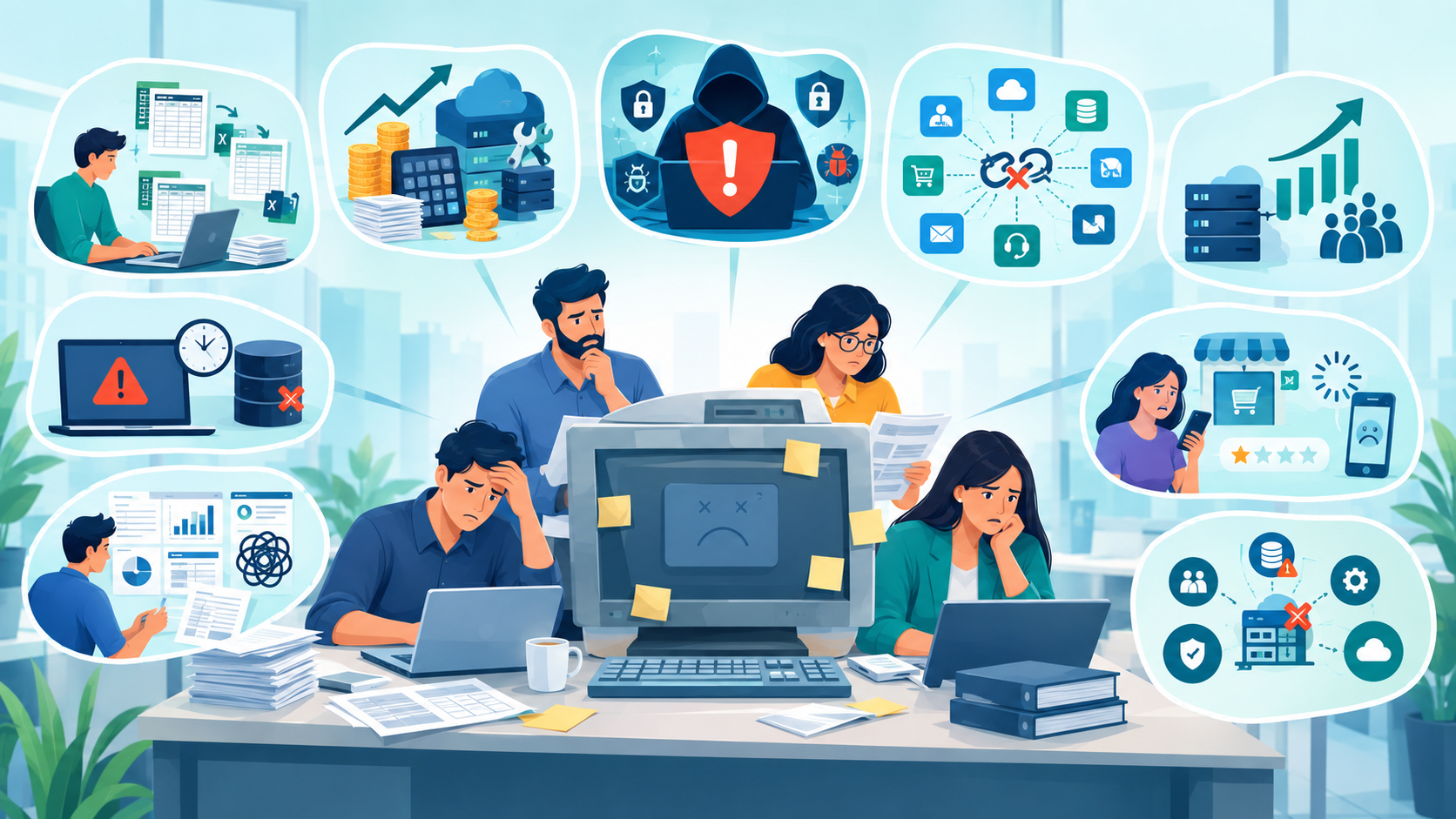
What Does It Mean to Replace Existing Business Software?
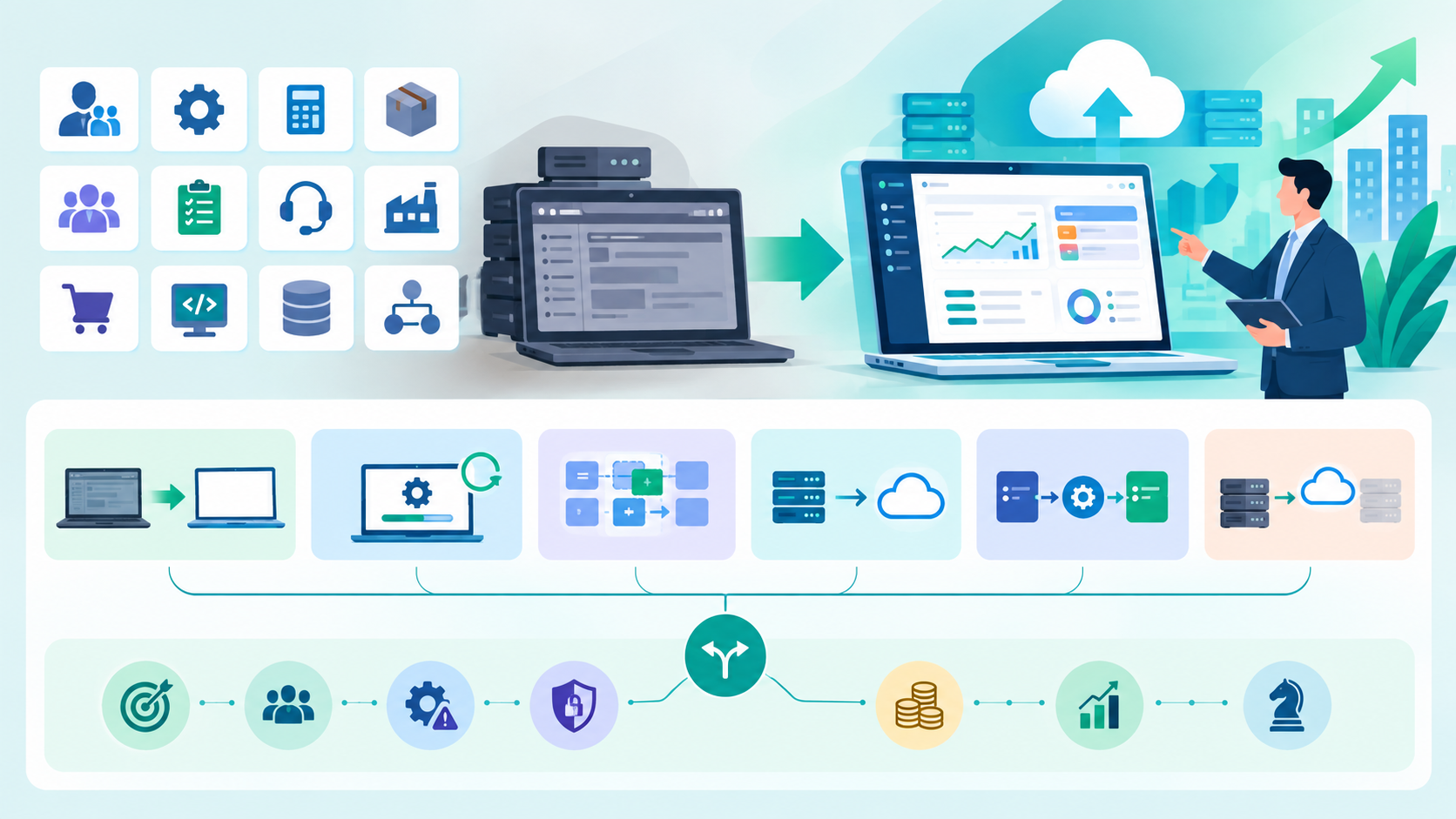
Replacing existing software means moving from a current application, platform, or system to a newer solution that better supports the company's operational and strategic requirements.
Depending on the business, this could involve replacing:
- Customer relationship management (CRM) software
- Enterprise resource planning (ERP) systems
- Accounting software
- Inventory management platforms
- Human resources software
- Project management tools
- Customer support systems
- Manufacturing software
- Ecommerce platforms
- Custom-built internal applications
- Legacy databases
- Workflow and automation software
Software replacement does not always mean completely starting from scratch.
A company may choose to:
- Replace the entire system.
- Modernize the existing application.
- Replace only specific modules.
- Move from on-premises software to a cloud platform.
- Integrate a new system with the existing environment.
- Gradually retire the legacy application.
The right approach depends on business requirements, technical limitations, costs, security risks, and the organization's growth plans.
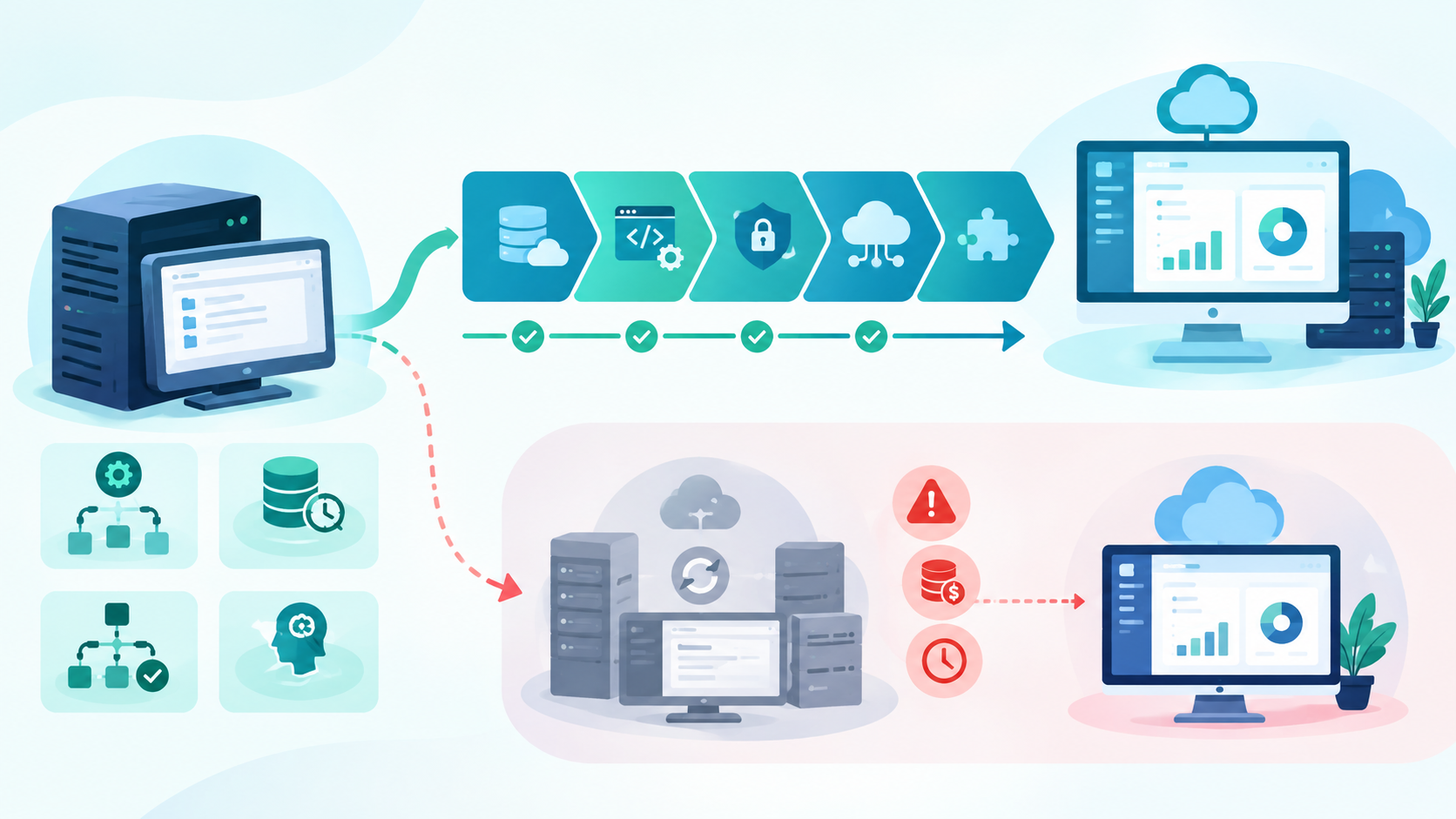
When Should a Business Replace Its Existing Software?
There is no universal replacement timeline that works for every company.
A five-year-old application may still be highly effective, while a two-year-old system may already be preventing business growth.
However, several warning signs can indicate that replacement should be seriously considered.
1. The Software No Longer Meets Business Requirements
One of the clearest signs is a growing gap between what the business needs and what the software can actually do.
For example, your company may need:
- Advanced reporting
- Automated workflows
- Customer self-service
- Mobile access
- API integrations
- AI-powered functionality
- Real-time analytics
- Multi-location management
- Advanced inventory controls
- New payment or communication integrations
If employees constantly create spreadsheets, manual workarounds, or separate tools to compensate for missing functionality, the existing software may no longer be suitable.
The issue is not necessarily that the software is old. The problem is that it no longer fits the organization's operating model.
2. Employees Are Spending Too Much Time Working Around the System
Software should reduce unnecessary work—not create more of it.
Consider a typical situation.
A sales employee enters customer information into a CRM, exports it into a spreadsheet, manually updates another system, and then sends information to the finance team.
The software technically works, but the overall process is inefficient.
Repeated manual work can lead to:
- Lost productivity
- Data-entry errors
- Duplicate records
- Delayed reporting
- Employee frustration
- Higher labor costs
When employees repeatedly develop workarounds to complete basic processes, it is worth evaluating whether the software itself has become a bottleneck.
3. Maintenance Costs Keep Increasing
Software costs are more than the subscription or license fee.
Businesses should consider the total cost of ownership, including:
- Licensing
- Hosting
- Technical support
- Custom development
- Maintenance
- Security updates
- Integration costs
- Training
- Data management
- Infrastructure
- Downtime
- Internal IT labor
An older system may appear inexpensive because the company has already paid for it.
But if maintaining it requires expensive developers, consultants, custom integrations, or frequent troubleshooting, the actual cost may be much higher.
A useful comparison is:
Cost of keeping existing software vs. total cost of replacing it
If the cost of maintaining the existing system continues increasing while its business value declines, replacement becomes easier to justify.
4. The Software Is No Longer Properly Supported
Vendor support is an important consideration.
If the software provider has stopped supporting the product or is approaching its end-of-support date, businesses should begin planning their next step.
Unsupported software can create several problems:
- Security vulnerabilities may remain unresolved.
- Compatibility issues can increase.
- New integrations may become difficult.
- Technical expertise may become harder to find.
- Compliance requirements may become harder to satisfy.
- Recovery from failures can become more complicated.
NIST emphasizes the importance of managing software and understanding the security risks associated with unmanaged or unauthorized software.
Businesses should therefore monitor vendor roadmaps and support lifecycles rather than waiting until a system becomes impossible to maintain.
5. Security Risks Are Increasing
Security should be one of the strongest reasons to evaluate legacy software.
Older applications can have:
- Unpatched vulnerabilities
- Outdated dependencies
- Weak authentication mechanisms
- Unsupported operating environments
- Poor access controls
- Limited security monitoring
- Insecure integrations
NIST notes that software needs ongoing updates to address bugs and newly identified vulnerabilities, while also emphasizing that updates need to be managed carefully.
A business should take particular care when its software handles:
- Customer information
- Financial information
- Healthcare information
- Employee data
- Payment information
- Intellectual property
- Confidential business records
If the existing system cannot reasonably meet the company's security requirements, replacement or modernization should become a priority.
6. The Software Cannot Integrate With Modern Tools
Modern businesses rarely operate using one isolated application.
A company may need its software to communicate with:
- CRM platforms
- Accounting systems
- Payment gateways
- Ecommerce platforms
- Marketing automation tools
- Business intelligence platforms
- Customer support software
- HR systems
- Cloud storage
- AI applications
If an existing system has limited APIs or integration capabilities, employees may be forced to move information manually between applications.
This creates data silos and increases the chance of errors.
Modernization can help organizations connect legacy systems with newer tools, although a complete replacement may be more appropriate when the underlying architecture is too restrictive. Microsoft identifies integration limitations as one of the common challenges associated with legacy applications.
7. Business Growth Has Outgrown the Software
Software that worked well for a small company may not work well after significant growth.
For example, a business may have grown from:
- 10 employees to 100
- One location to multiple locations
- Hundreds of customers to thousands
- One sales channel to multiple channels
- A local operation to a national or international business
Growth can expose limitations involving:
- Database capacity
- User permissions
- Performance
- Reporting
- Automation
- Multi-location management
- Scalability
- Integrations
If your software cannot scale with your business, it may eventually become a growth constraint.
8. The Software Is Causing Frequent Downtime
Reliability matters.
If employees frequently experience:
- System crashes
- Slow performance
- Server problems
- Database errors
- Integration failures
- Application downtime
the organization should investigate the underlying cause.
Occasional technical problems do not automatically mean the software needs replacing.
However, recurring downtime that affects customers or employees can create measurable business costs.
Track:
Number of incidents × average downtime × employees affected × approximate hourly cost
This can provide a more objective estimate of the financial impact.
9. Reporting and Data Are Becoming Difficult to Manage
Business leaders need accurate information to make decisions.
If generating a simple report requires multiple spreadsheets, manual exports, and extensive data cleaning, the existing system may be limiting visibility.
Warning signs include:
- Reports take days to prepare.
- Different departments have conflicting numbers.
- Data must be manually combined.
- Real-time reporting is unavailable.
- Important information is trapped in separate systems.
- Employees maintain unofficial spreadsheets.
An effective modern software environment should make reliable business information easier to access.
NIST's IT asset management guidance also highlights the importance of visibility into technology assets for improving security and asset utilization.
10. Customers Are Experiencing the Limitations
Software problems are not always visible internally.
Sometimes customers notice them first.
For example:
- Checkout processes are slow.
- Customer service representatives cannot access complete customer histories.
- Appointment systems are difficult to use.
- Order information is inconsistent.
- Customer portals lack important functionality.
- Mobile experiences are poor.
- Response times are slow.
If technology is negatively affecting customer experience, replacing or modernizing the underlying system may become a business priority rather than simply an IT project.
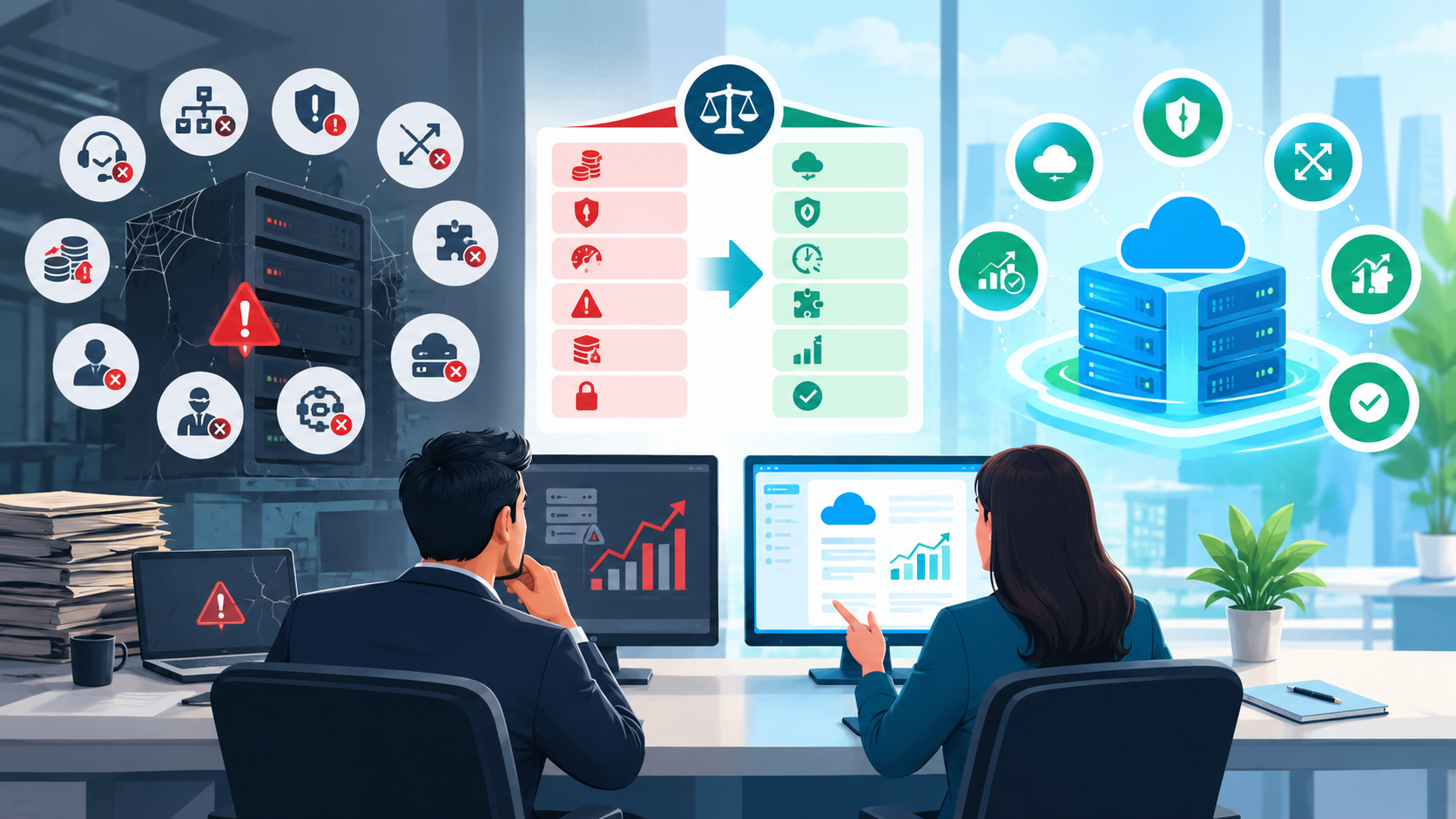
When Should You Modernize Instead of Replace Software?
Replacement is not always the best answer. Working with a US software development company for legacy modernization helps businesses evaluate whether to modernize, replace specific modules, improve integrations, strengthen security, add APIs, migrate data, and plan software replacement without disrupting daily operations.
In some cases, modernization can extend the useful life of an existing application.
Modernization may make sense when:
- The core business logic is still valuable.
- The software contains important historical data.
- The application is stable.
- The architecture can be updated.
- APIs can be added.
- Security can be improved.
- The company has a reasonable modernization roadmap.
For example, an organization might modernize a legacy application incrementally rather than replacing everything simultaneously.
Microsoft recommends incremental modernization as one way organizations can reduce the risks associated with large-scale application transformation.
When Is Complete Software Replacement Better?
Complete replacement may be more appropriate when:
- The vendor has discontinued support.
- The architecture cannot be reasonably modernized.
- Security risks are significant.
- The software cannot scale.
- Integration requirements cannot be met.
- Maintenance costs are excessive.
- Technical expertise is disappearing.
- Business processes have fundamentally changed.
- The software is creating measurable operational losses.
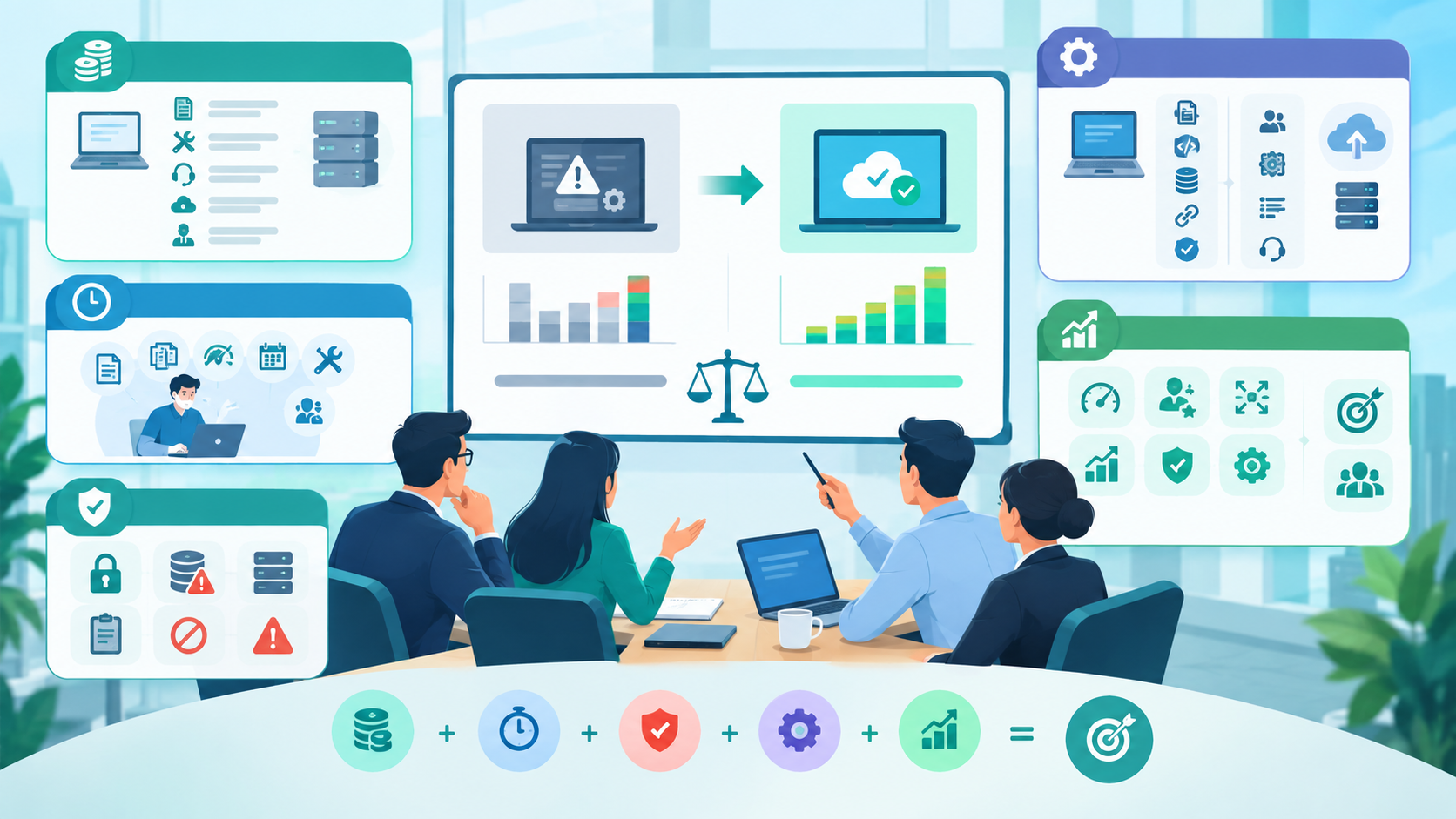
The key is to compare the future cost of keeping the system against the investment required to replace it.
How to Calculate Whether Replacing Software Is Worth It
A software replacement decision should not be based solely on purchase price.
Build a simple business case around five categories.
1. Current Software Cost
Calculate:
Licensing + maintenance + support + infrastructure + internal IT time
2. Productivity Cost
Estimate how much employee time is lost because of:
- Manual data entry
- Duplicate work
- Slow systems
- Reporting
- Troubleshooting
- Workarounds
3. Risk Cost
Consider potential costs associated with:
- Security incidents
- Data loss
- Downtime
- Compliance issues
- System failures
These costs can be difficult to predict, so use realistic scenarios rather than exaggerated assumptions.
4. Replacement Investment
Include:
- Software licenses
- Development
- Implementation
- Data migration
- Integrations
- Testing
- Training
- Project management
- Ongoing support
5. Expected Business Value
Evaluate whether the new system can realistically improve:
- Productivity
- Customer experience
- Scalability
- Reporting
- Automation
- Security
- Operational efficiency
This gives decision-makers a more complete picture than comparing software prices alone.
A Practical Software Replacement Checklist
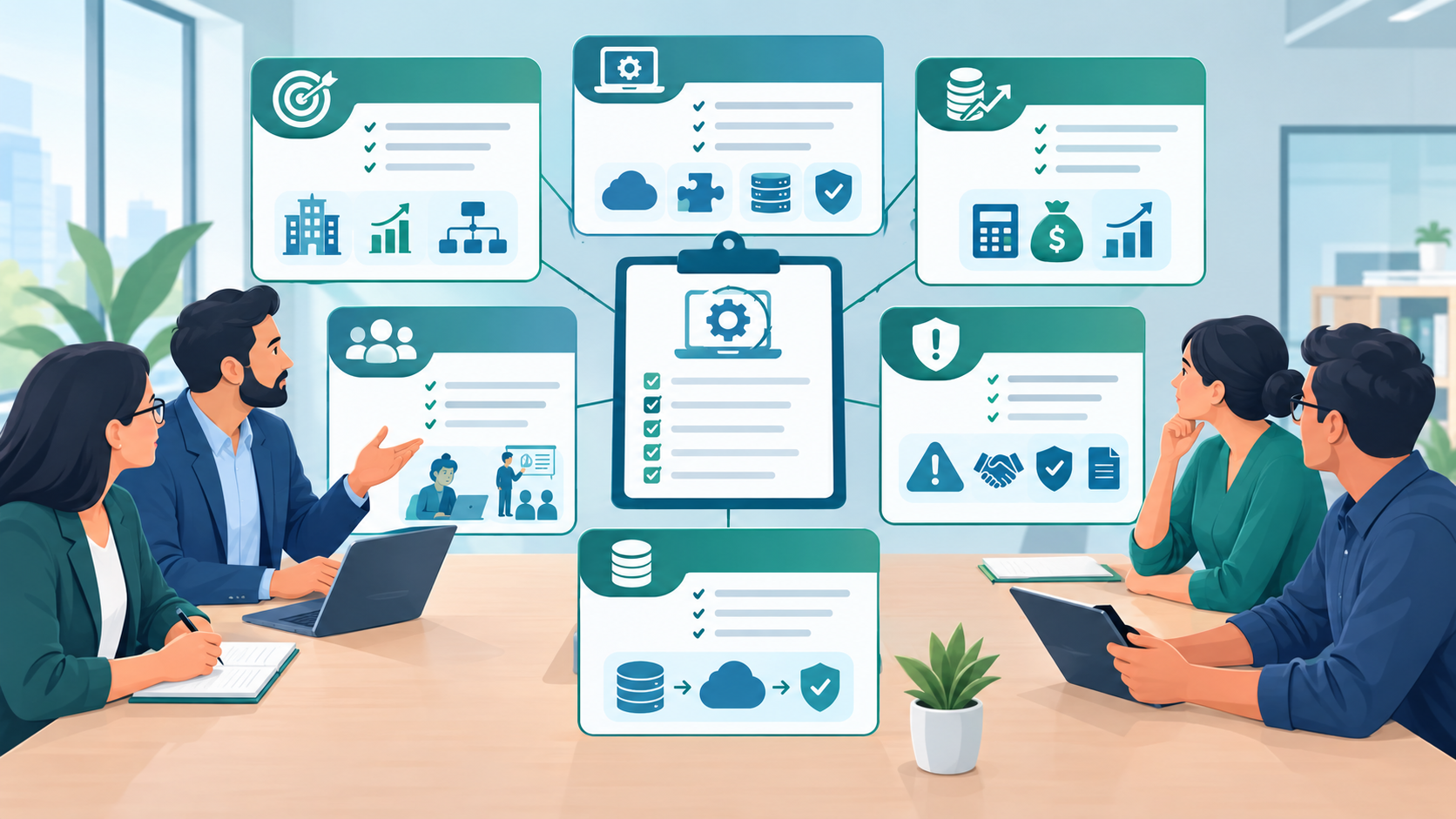
Before replacing your existing software, ask these questions:
Business Fit
- Does the software support our current business processes?
- Will it support our expected growth?
- Are important workflows missing?
Technology
- Is the platform still supported?
- Can it integrate with our other systems?
- Is its architecture scalable?
- Can it support current security requirements?
Financial
- What does the existing system cost annually?
- What does replacement cost?
- How much productivity is being lost?
- What is the expected long-term value?
People
- Do employees struggle to use the software?
- How much training is required?
- Does the company still have people who understand the legacy system?
Data
- Where is our business data stored?
- Can it be exported?
- How will it be migrated?
- How will data quality be validated?
Risk
- What happens if the current system fails?
- What happens if the vendor stops supporting it?
- Are there known security or compliance concerns?
How to Replace Business Software Without Disrupting Operations
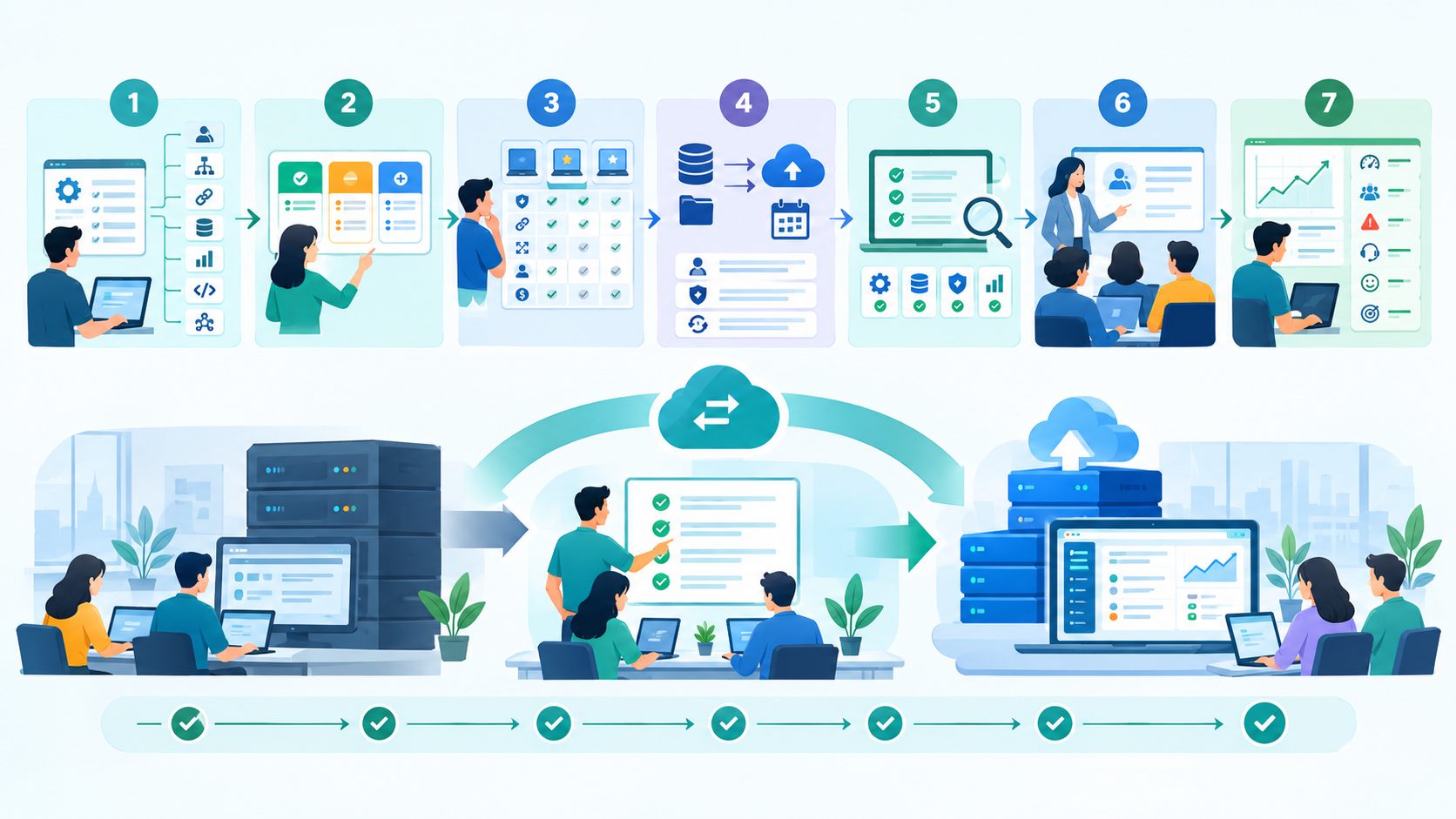
Replacing software can be risky if the transition is poorly planned.
A structured approach can reduce unnecessary disruption.
Step 1: Document the Current System
Map:
- Users
- Workflows
- Integrations
- Databases
- Reports
- Customizations
- Dependencies
Do not start implementation until you understand what the existing system actually does.
Step 2: Identify Business Requirements
Separate requirements into:
- Must-have: Critical capabilities the new software needs.
- Should-have: Important improvements that provide additional value.
- Nice-to-have: Features that would be useful but are not essential.
This prevents businesses from selecting software based on impressive features that do not solve their actual problems.
Step 3: Evaluate Multiple Options
Compare potential solutions based on:
- Functionality
- Security
- Integration
- Scalability
- Usability
- Vendor stability
- Support
- Implementation complexity
- Total cost of ownership
Step 4: Create a Migration Plan
Determine:
- What data will move?
- What data will be archived?
- When will migration happen?
- Who owns the migration?
- How will data be validated?
- What is the rollback plan?
Step 5: Test Before Launch
Testing should cover:
- Business workflows
- Integrations
- User permissions
- Data accuracy
- Performance
- Security
- Reporting
- Backup and recovery
Step 6: Train Employees
Even excellent software can fail if employees do not understand how to use it.
Training should focus on actual business workflows rather than simply showing employees every available feature.
Step 7: Monitor After Launch
Track:
- System performance
- User adoption
- Errors
- Support requests
- Productivity
- Customer experience
- Business outcomes
Software replacement should be treated as an ongoing business improvement project, not just an installation.
Common Mistakes Businesses Make When Replacing Software
Replacing Software Only Because It Is Old
Age alone is not a sufficient reason.
A stable, secure, supported application may continue providing value for many years.
Choosing Software Based Only on Features
More features do not necessarily mean better software.
The solution should solve the organization's actual business problems.
Ignoring Data Migration
Poor data migration can create operational problems long after implementation.
Underestimating Training
Employees need time to learn new workflows and adapt to the new system.
Failing to Calculate Total Cost of Ownership
A low subscription price can become expensive when implementation, customization, support, and integration costs are included.
Replacing Everything at Once Without a Plan
A phased approach may be safer for complex organizations.
Conclusion
The right time to replace business software is not determined by its age alone.
A stronger decision comes from evaluating whether the system is still secure, supported, scalable, cost-effective, integrated, and aligned with business requirements.
If employees constantly work around the software, maintenance costs continue increasing, integrations are becoming difficult, security requirements are not being met, or the platform is limiting growth, it may be time to evaluate modernization or replacement.
The goal should not simply be to purchase newer technology. The goal is to create a technology environment that helps the business operate more efficiently and adapt to future requirements.
For U.S. businesses, this evaluation is especially important when software supports customer data, financial operations, regulated information, or critical business processes. NIST's recent work continues to emphasize software and asset visibility as important foundations for managing technology and cybersecurity risk.
When Should A Business Replace Its Existing Software: FAQs
There is no fixed replacement schedule. Businesses should evaluate software based on functionality, security, support, scalability, cost, and changing business requirements.
A major warning sign is when the software consistently prevents employees or the business from completing important processes efficiently.
Not necessarily. If the software remains secure, supported, scalable, and cost-effective, keeping it may be the better decision.
It can be. Unsupported or poorly maintained software may create security and vulnerability-management challenges. NIST recommends active management of software assets and security controls.
It depends. Modernization can make sense when the existing application has valuable business logic and can be upgraded. Replacement may be better when the underlying platform is too restrictive or expensive to maintain.
Reference
Written by

Paras Dabhi
VerifiedFull-Stack Developer (Python/Django, React, Node.js)
I build scalable web apps and SaaS products with Django REST, React/Next.js, and Node.js — clean architecture, performance, and production-ready delivery.
LinkedIn